Harbor Breeze Ceiling Fan Light Kit & Direct Replacement Directory
Factory-Spec LED Modules, Traditional Light Kits, and Hardware Upgrades
Did your ceiling fan light burn out, start flickering, or refuse to shut off? You do not need to replace the entire fan assembly. Most Harbor Breeze units use standard 120V wiring and universal base mounts. Whether you have a modern flush-mount fan or a classic pull-chain model, you can restore full lighting in under 20 minutes with direct-fit parts.
OEM-Spec Sizing
Exact screw matches for popular 44-inch and 52-inch fan models.
No-Drill Retrofits
Magnetic base options for fast DIY installation without new holes.
Damp-Location Rated
Built for indoor living rooms, bedrooms, and covered patios.
Core Replacement Hub
Integrated LED Arrays for Modern Flush-Mount Fans
(Best for Mazon, Sail Stream, Beach Creek, and Low-Profile Units)
If your fan has a flat, circular glass cover, it uses an internal LED circuit board instead of screw-in bulbs. When these fail, the motor keeps running, but the room stays dark.
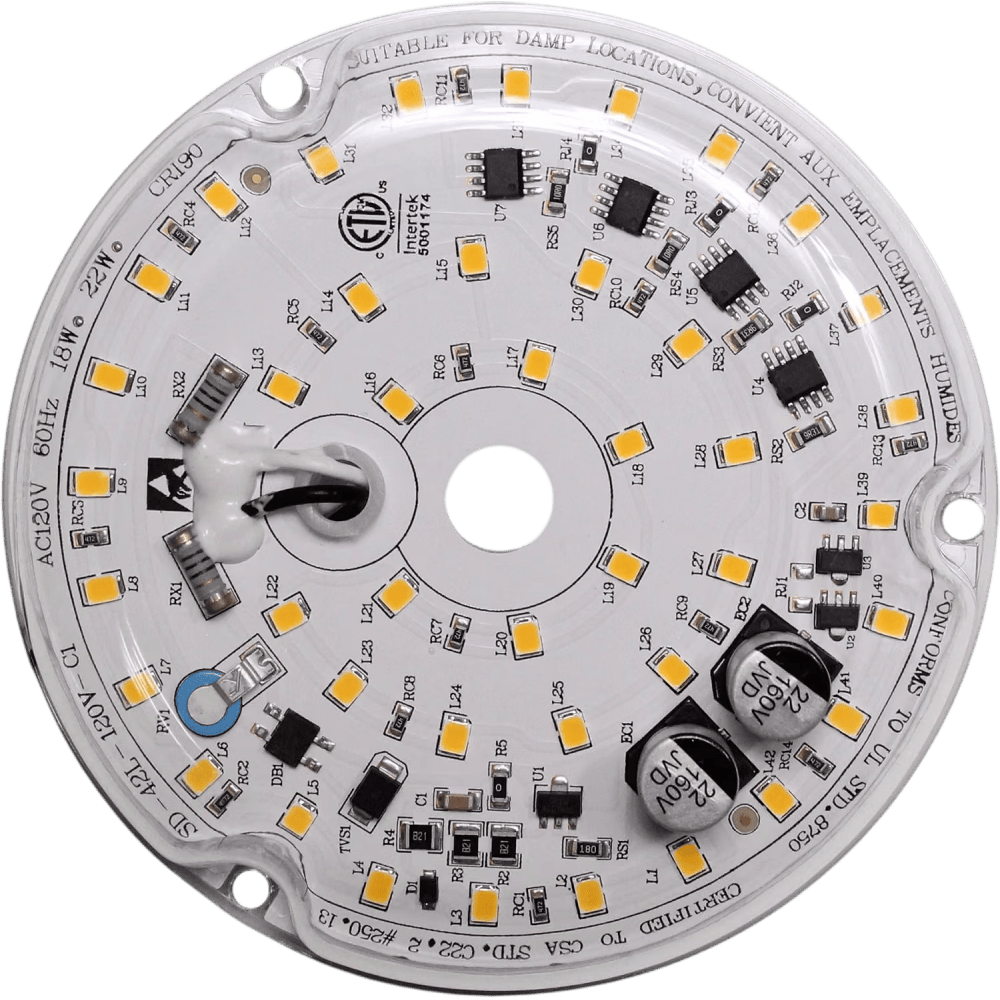
Option A: Harbor Breeze Mazon Exact-Fit Replacement Array
Engineered specifically for Mazon 44-inch models.
This board directly replaces burnt-out factory units, matching internal part specs like LB2F120W930-18-S. It screws directly into original factory holes on models MZ44BNK3LR (Brushed Nickel), MZ44MBLK3LR (Matte Black), MZ44WW3LR (White), and MZ44NWZ3LR (Bronze).
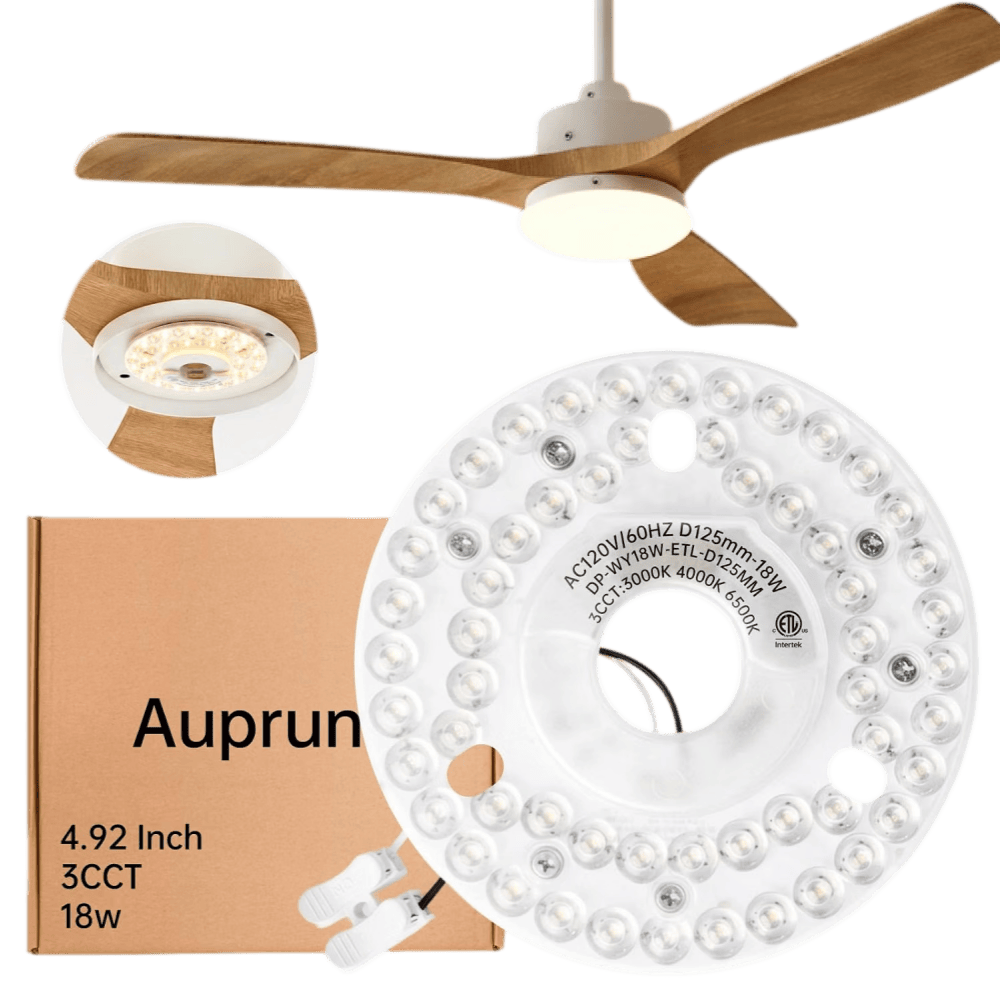
Option B: Universal Magnetic Retrofit LED Light Engine
Best for Sail Stream, Beach Creek, or stripped screw holes.
If you cannot find an exact screw match, use this 4.92-inch universal circular engine. It fits inside nearly all 4.5-inch to 5.0-inch Harbor Breeze light housings.
Universal Light Kits for Traditional Pull-Chain Fans
(Best for Centreville, Armitage, Tilghman, and Multi-Arm Fixtures)
Traditional Harbor Breeze fans use a bottom switch housing with a center threaded port. If your arms broke, the sockets wore out, or your fan came without lights, these kits thread directly into the base.
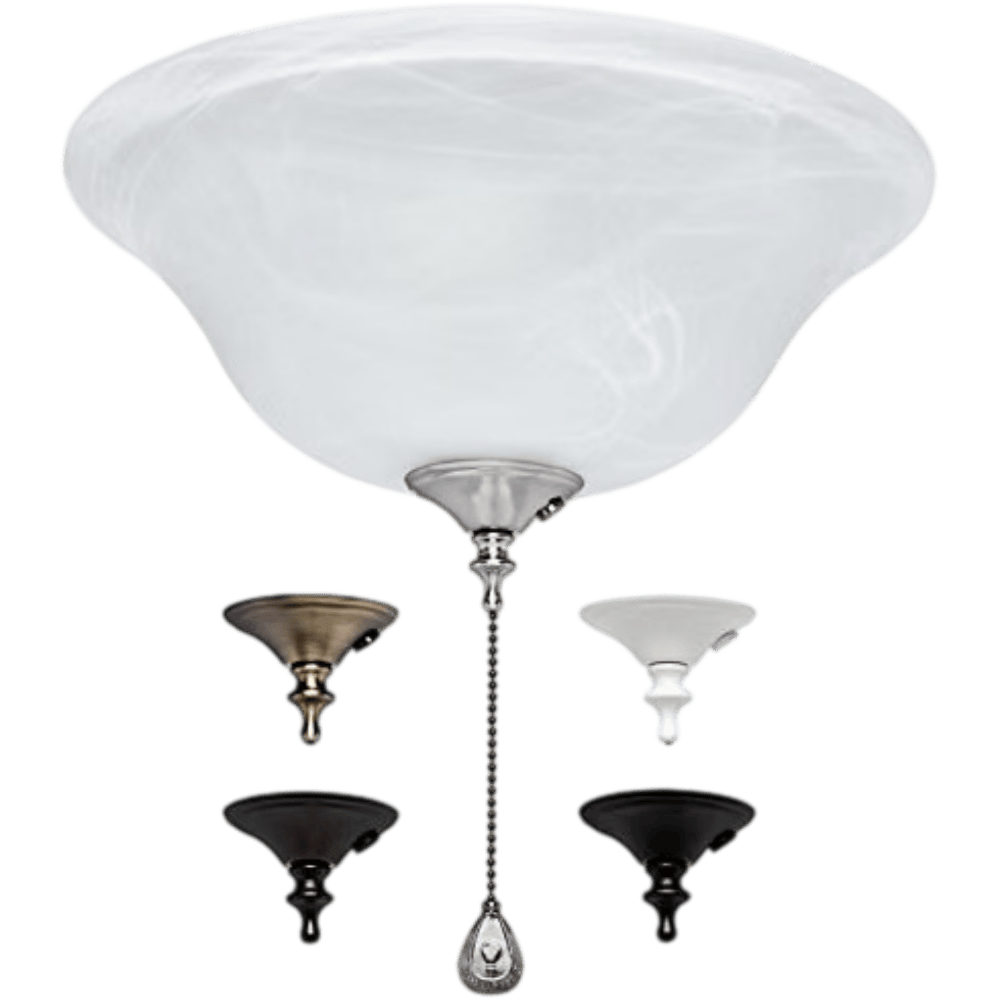
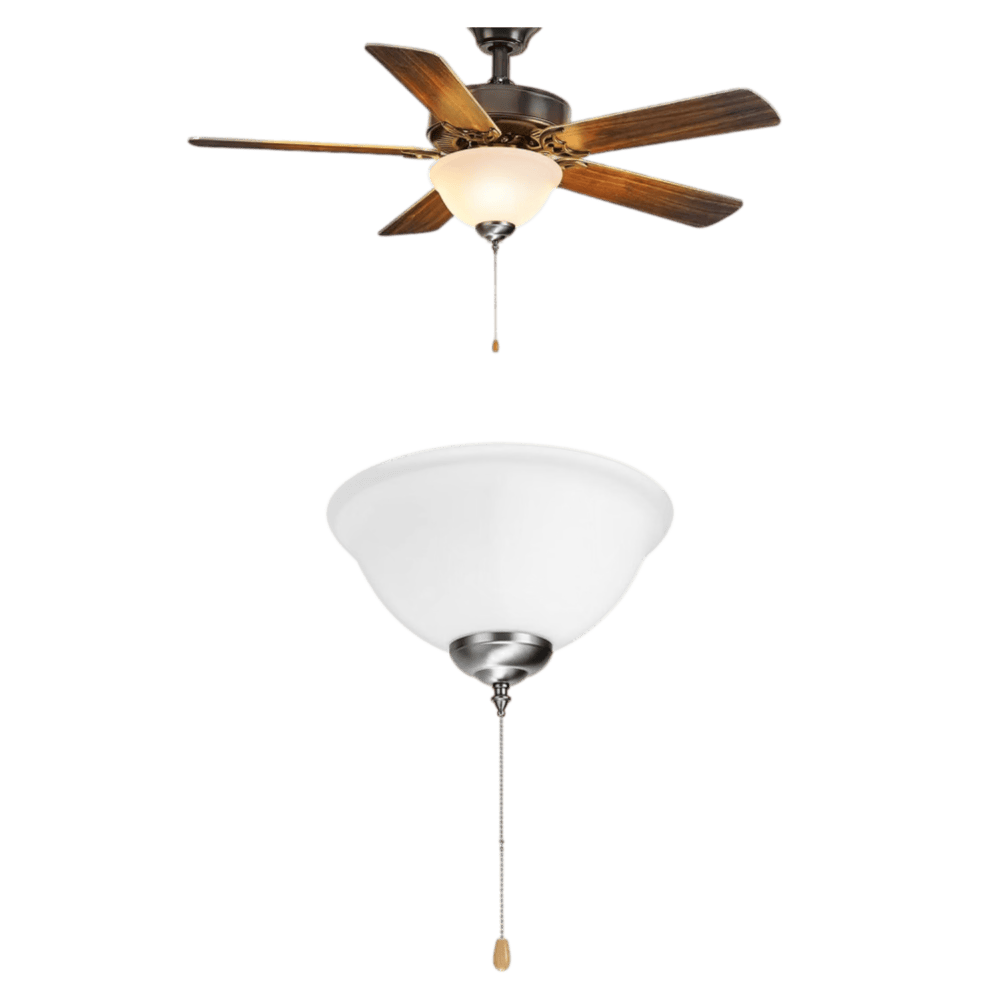
Option A: Alabaster Bowl Light Kit
Matches Armitage, Tilghman, and classic bowl-style fans.
A single frosted glass bowl that softens light across the room. Replaces worn-out 3-light incandescent clusters without buying expensive vintage parts.
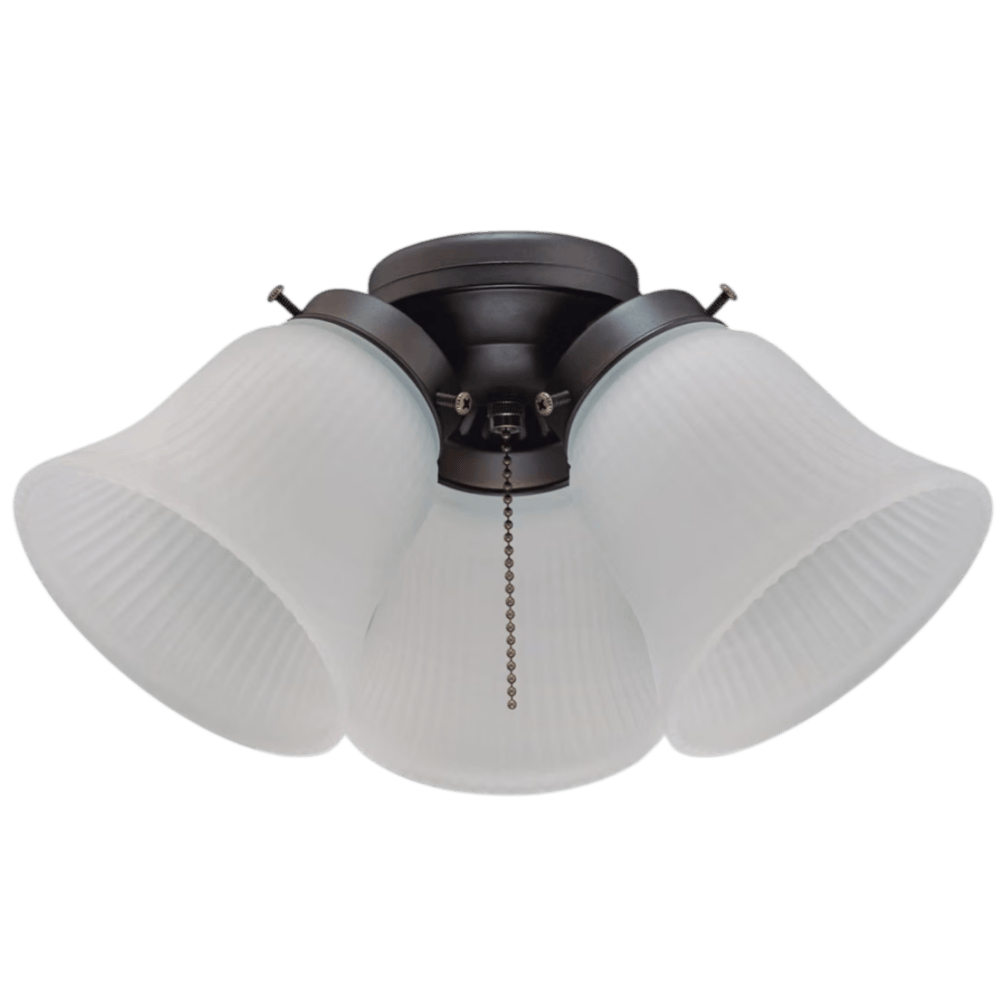
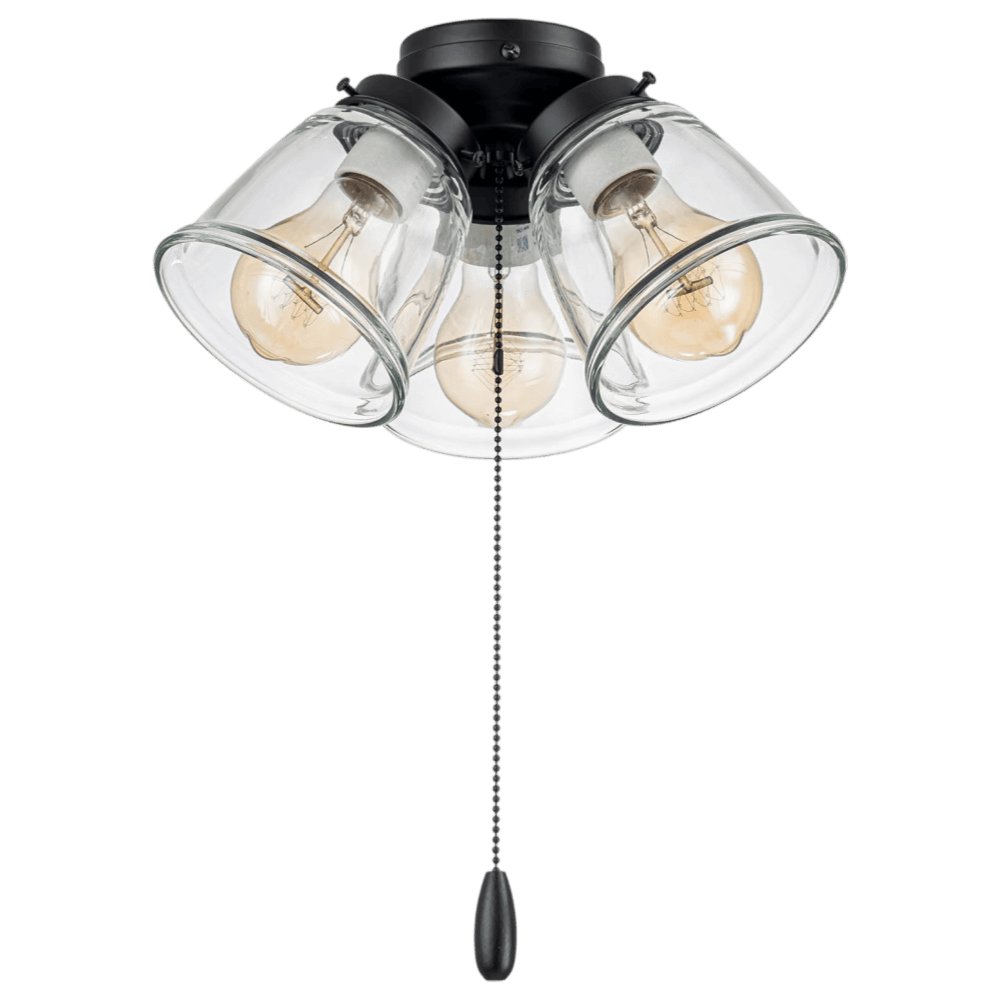
Option B: 3-Light Branch Cluster Kit
Matches Centreville 42-inch & 52-inch models.
Features 3 independent angled light heads for maximum downward room illumination.
Replacement Glass Covers & Hardware
(For cracked shades, stripped finials, and blanking caps)
Accidents happen during bulb changes or cleaning. You do not need a whole new light fixture if only the glass broke.
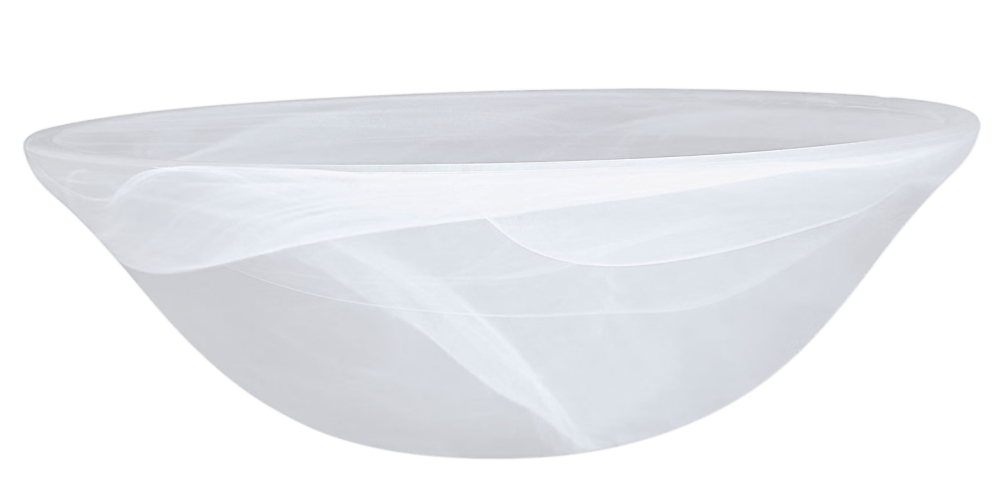
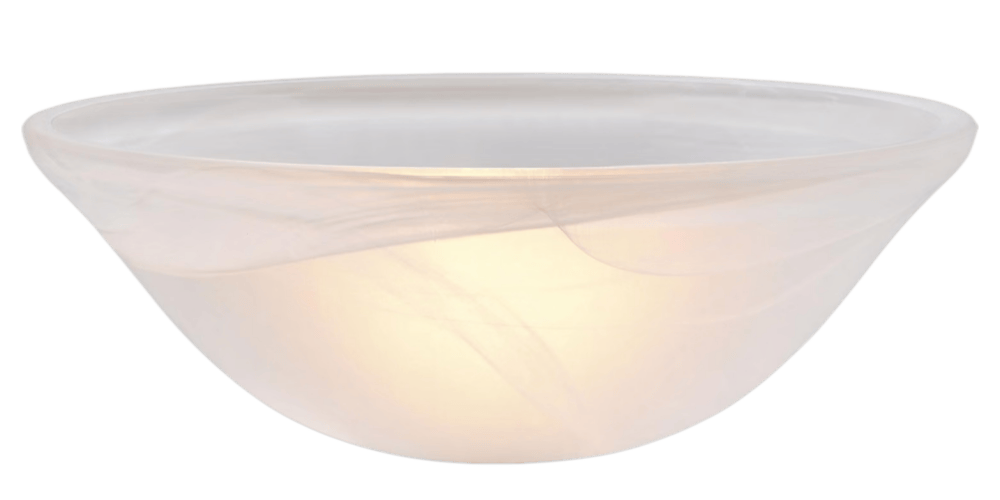
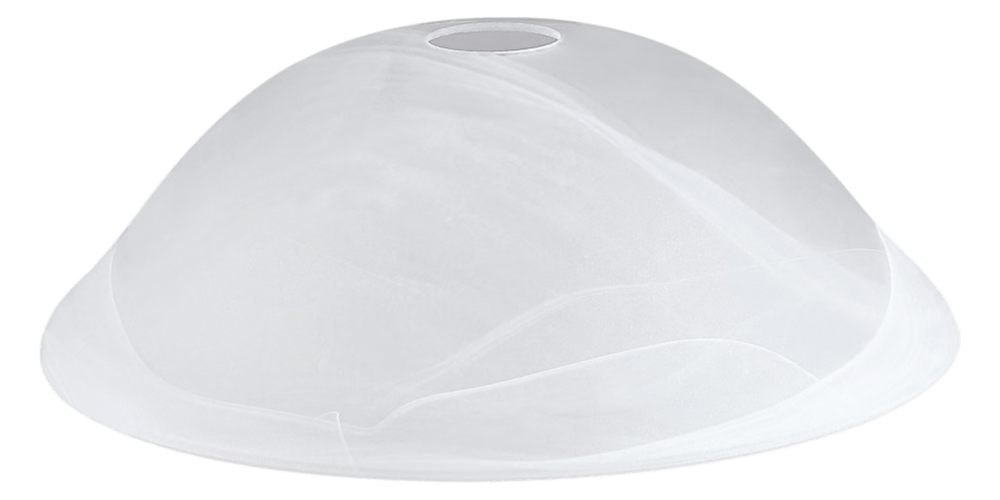
Alabaster Glass Bowls
Standard 10-inch to 11-inch diameter frosted bowls with center mounting holes.
Merrimack Cage Globes
Heavy-duty seeded glass shades designed specifically for wet-rated outdoor models.
Bottom Housing Caps
Metal blanking plates to safely seal the fan bottom if you choose to remove the light kit entirely.
Troubleshooting: Why Does Your Ceiling Fan Light Fail?
When a ceiling fan light stops working, homeowners often assume the fixture is completely broken. In reality, most issues stem from a failed LED board or a damaged wireless receiver inside the ceiling canopy.
Use this guide to diagnose the exact issue before ordering parts.
The remote and wall switch have no effect; the light stays lit at 100% brightness.
Recommended Receiver Replacement Kits:
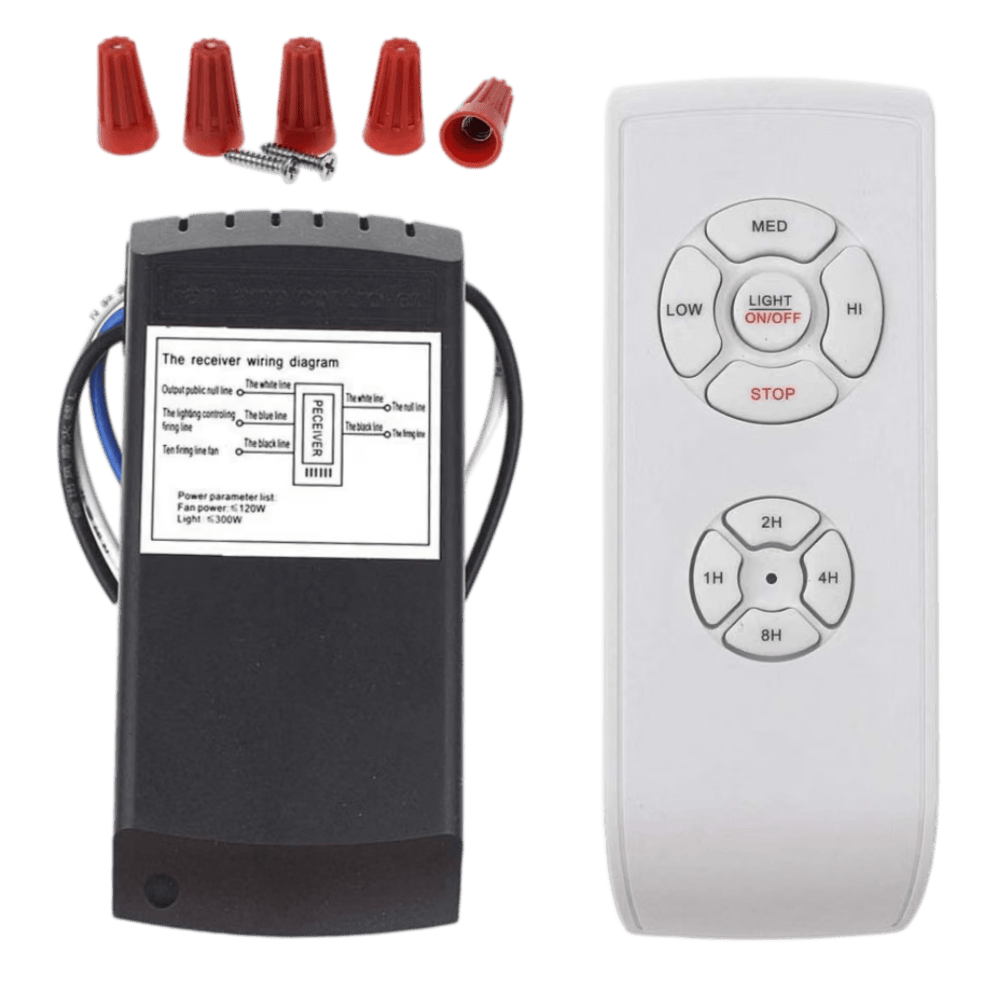
Universal Handheld Remote & Receiver Kit:
A complete drop-in replacement for standard 3-speed ceiling fans. Includes a compact ceiling canopy receiver and a wireless handheld remote with light dimming and timer controls.
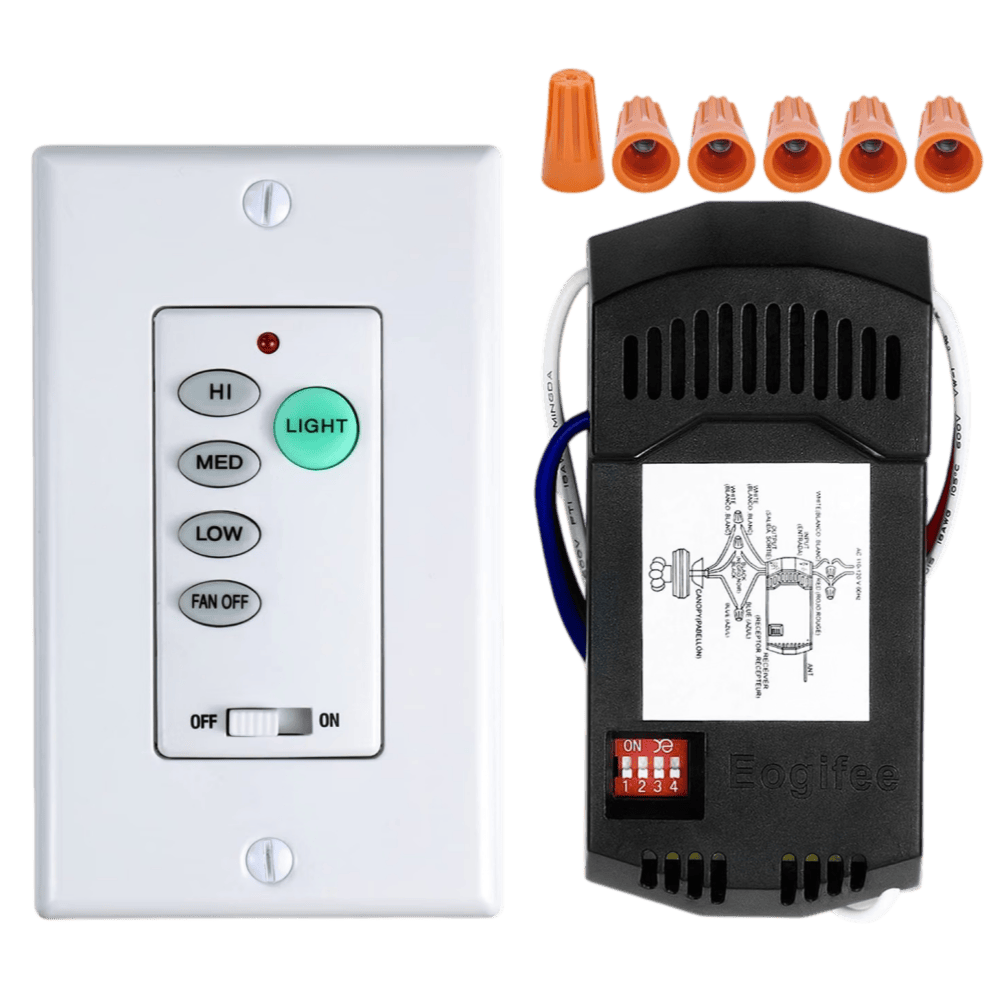
Universal UC9050T In-Wall Control Kit:
Designed for homes with in-wall wireless controls. Replaces original UC9050T and FAN-53T wall switches without running new wires through your drywall. Features 3 fan speeds, full light dimming, and quick pairing DIP switches.
The blades rotate normally at all speeds, but the light fixture is completely dark or blinks continuously.
Common on Mazon 44-inch and Sail Stream fans.
Over time, motor vibration and heat expansion can jam the twist-lock glass shade into its metal housing. Forcing it with metal tools can shatter the glass.
Safe Removal Steps:
Repair vs. Replace: When Should You Buy a Whole New Fan?
Replacing a light kit or remote receiver takes 15 minutes and costs very little. However, fixing an aging fan is not always the best choice.
Use this quick rubric to decide whether to repair your lighting or replace the entire unit.
If your motor bearings are grinding or the blades have warped, spending time and money on lighting parts will not fix the underlying wear. Direct-replacement ceiling fans now come with modern LED light kits and pre-paired remote controls factory-installed.
Top 4 Factory-Spec Harbor Breeze Ceiling Fans with Light Kit
If replacing the complete unit makes more sense for your home, these four models match standard mounting brackets and deliver immediate lighting and airflow upgrades.
1. Harbor Breeze Mazon 44-in Brush Nickel Flush Mount Fan
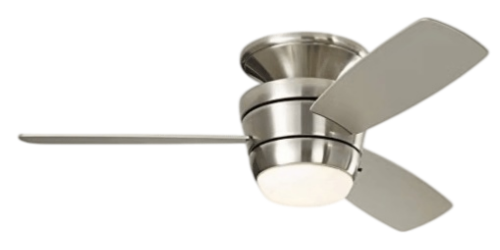
Best for bedrooms, low ceilings, and modern renovations.
The Mazon 44-inch is one of the most widely installed compact fans in North America. Its hugger-style body mounts directly against the ceiling, making it ideal for 8-foot ceiling heights where hanging downrods hang too low.
2. Harbor Breeze Armitage 52-in & 42-in Ceiling Fan
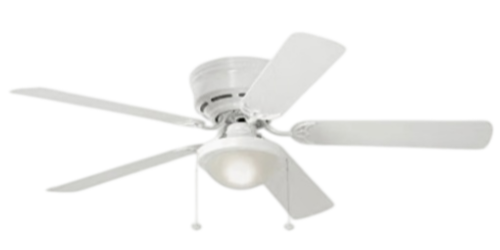
Best budget replacement with classic single-bowl lighting.
The Armitage series provides reliable, low-cost airflow for standard living spaces. It uses an industry-standard hanging bracket that fits right into existing electrical junction boxes.
3. Harbor Breeze Centreville 42-in & 52-in Ceiling Fan
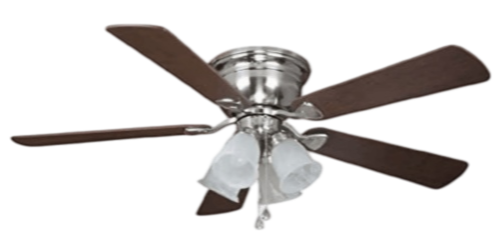
Best for bright ambient light in kitchens, living rooms, and dining areas.
If you need maximum room lighting rather than soft accent lighting, the Centreville series is the standard choice.
4. Harbor Breeze Merrimack II & Tilghman II 52-in Outdoor Fan
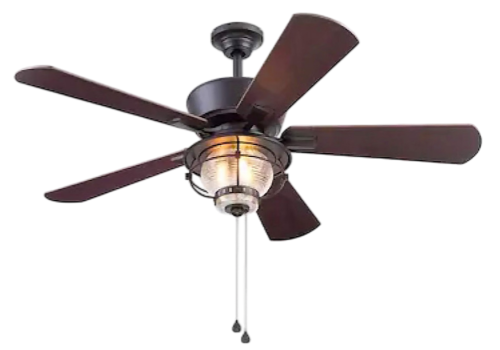
Best for covered porches, outdoor patios, and humid areas.
Indoor fans will corrode and short-circuit when exposed to morning humidity and outdoor dampness. The Merrimack and Tilghman series feature sealed electrical housings to resist corrosion.
Harbor Breeze Ceiling Fan Light Kit Wiring Diagram & Color Codes
Installing a replacement light kit is a simple two-wire connection. You do not need to hire an electrician if your home wiring follows standard US residential electrical color codes.
Color Code Reference:
White Wire (Neutral)
Connects to the white wire on your light kit or the push-in terminal labeled N.
Blue Wire (Light Power)
This wire delivers switch-controlled 120V power to the lighting fixture. Connect this Blue wire to the Black wire (or L terminal) on your replacement LED array or traditional light kit.
Black Wire (Fan Motor Power)
This wire supplies power strictly to the fan motor. Leave this wire connected to the internal reverse switch or motor harness.
Green or Bare Copper Wire (Ground)
Screws directly into the fan’s metal base plate to prevent electrical shock.
Cross-Brand Compatibility: Harbor Breeze vs. Hunter vs. Hampton Bay
A common question is whether light kits from Hunter or Hampton Bay work on a Harbor Breeze ceiling fan.
The short answer is yes, for traditional fixtures, but no for proprietary decorative glass.
Original screw holes rarely line up between brands, but universal magnetic arrays fit all steel bases.
If you cannot find an exact Harbor Breeze brand-labeled kit, choosing an industry-standard Universal 1/8-IP Light Kit ensures a secure fit without drilling or rewiring.
Frequently Asked Technical Questions (FAQ)
Common diagnostic, pairing, and installation inquiries answered by ceiling fan lighting specialists.
Who makes Harbor Breeze ceiling fans, and how do I get replacement parts?
Harbor Breeze is a registered private-label brand created for major home improvement centers (primarily Lowe’s Home Improvement). The fans are engineered and manufactured by leading global ceiling fan OEMs, including Litex Industries and Fanimation.
Because retail stores rarely stock individual internal parts for older or discontinued models, purchasing factory-spec components online through direct-ship warehouse suppliers is the fastest way to get exact electrical matches without long warranty hold times.
Why does my ceiling fan wobble or make rattling noises after replacing the light kit?
When replacing a light kit, homeowners often lean against the fan blades or pull down unevenly on the motor housing. Even a 1-millimeter bend in a blade iron bracket throws off the fan’s dynamic balance, causing noticeable shaking at medium and high speeds.
This is not a sign of motor bearing failure. Do not discard the fan.
Use a standard ceiling fan blade balancing kit. Clip the plastic testing clip onto each blade to locate the unbalanced spot, then peel and stick a 3-gram self-adhesive metal balance weight to the top-center of the problem blade.
How do I re-pair or reset my Harbor Breeze wireless remote?
If your fan speed or light dimming controls stop responding after a power outage or parts swap:
Can I upgrade an older incandescent bulb fan to LED without rewiring?
Yes. You do not need to replace the internal fan wiring.
Quick Steps to Restore Your Ceiling Fan Light
Fixing a dark or malfunctioning ceiling fan does not require electrical expertise or replacing the whole unit. Before placing an order, run through this quick 30-second checklist to confirm the right solution for your setup: